Audio + video
Local episode files
Use any file in the shared supported-media list
Upload podcast audio or video, label hosts and guests, review uncertain phrases against the recording, and export editable text or timed captions.
Upload one local file up to 5 GB. Processing uses credits based on media duration.
START WITH THE RECORDING
Choose a supported local audio or video file. Set the spoken language, optional speaker count, context, key terms, and transcript style before processing.
Audio + video
Use any file in the shared supported-media list
99
Choose one or use automatic detection
Host + guest
Set auto, exact, or ranged speaker counts
4
TXT, Markdown, SRT, and VTT
FOUR-STEP EPISODE WORKFLOW
Move from one local recording to a checked transcript without creating a separate podcast-only workflow.
Select one supported audio or video file. The shared workbench checks its type, size, and duration; it does not fetch a feed or platform URL.
Choose the spoken language, enable speaker labels if useful, and add context or key terms for names and specialist vocabulary.
After sign-in, the duration-based credit check runs before direct upload and the background transcription workflow begins.
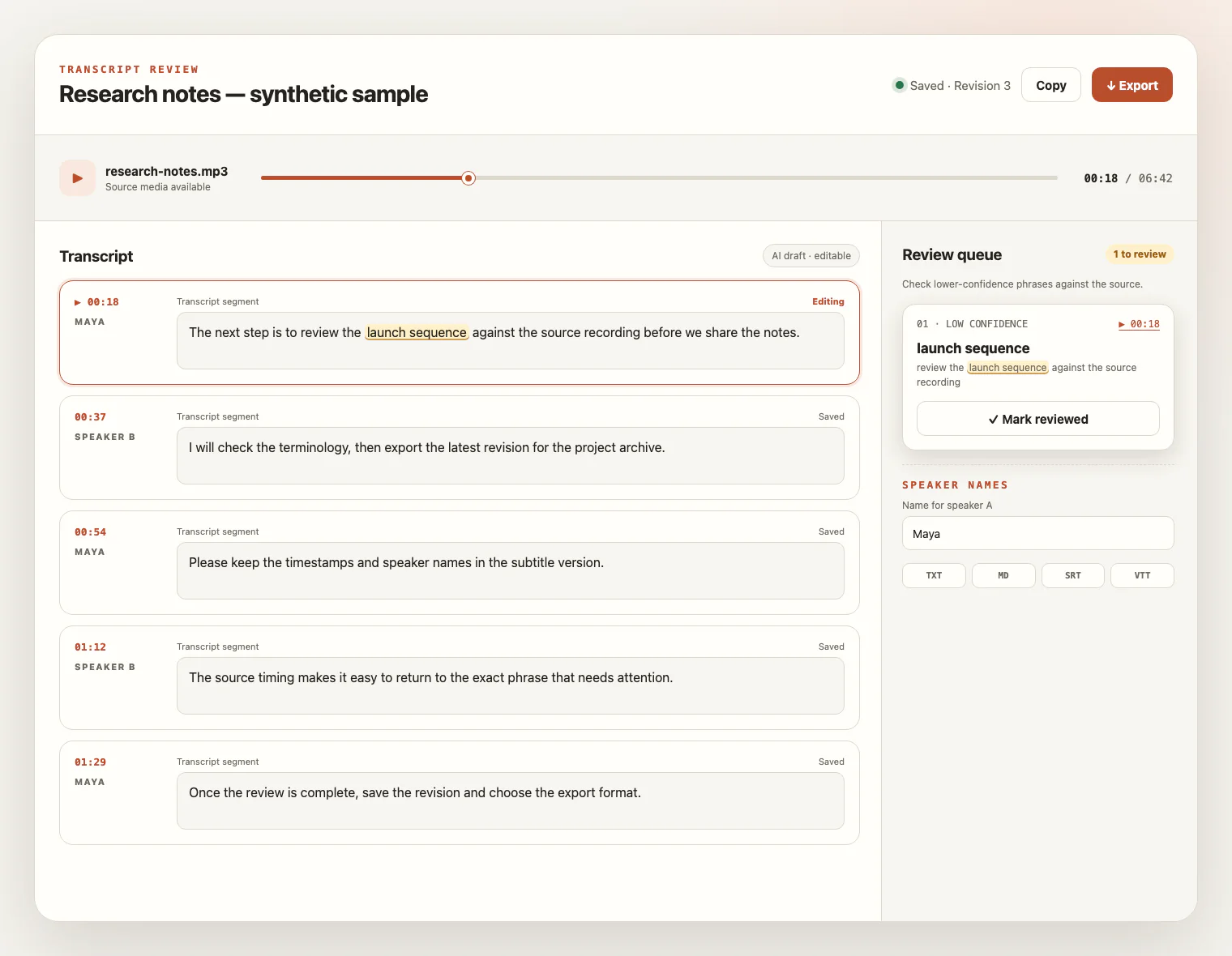
Compare uncertain phrases with the source, rename hosts and guests, save revisions, and export the transcript format you need.
PREPARE THE RECORDING
A transcript starts with the sound in the episode. These choices can reduce the amount of correction without promising fixed accuracy.
Use close, steady microphones when possible and check that every host and guest stays audible without clipping.
Overlapping speech, distant voices, echo, and distortion can create more uncertain phrases and speaker corrections.
Strong beds, stings, and effects that cover words can make the spoken content harder to review. This tool does not remove them.
Provide the show name, people, brands, abbreviations, and specialist terms as context or key terms before processing.
FROM VOICES TO A WORKING DRAFT
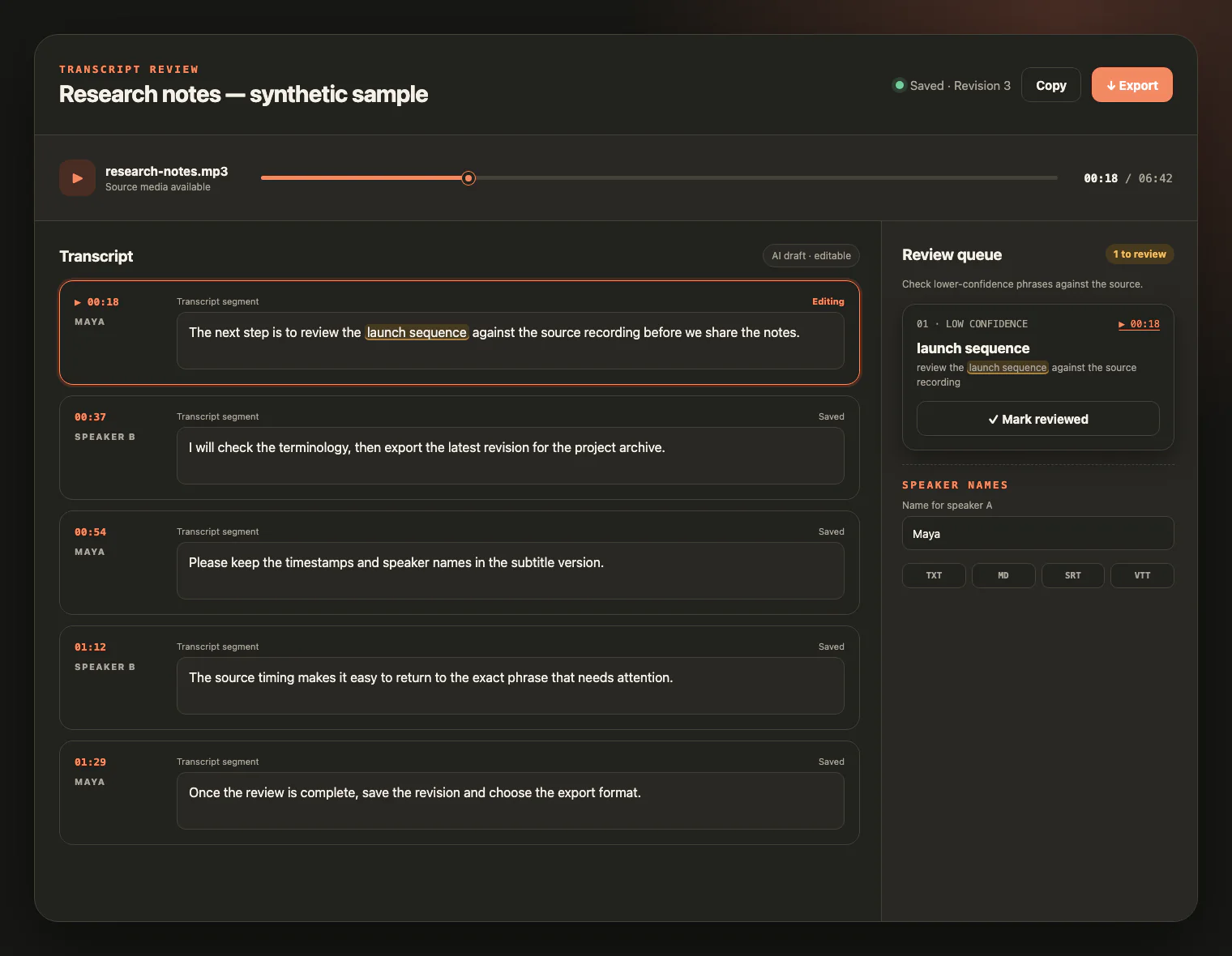
Use the retained recording and timestamps to verify the lines that matter. Rename speakers, revise the text, and save a version before export.
AFTER THE RECORDING
A checked episode transcript can support accessibility, search, research, and downstream editing without pretending to automate publishing.
Use the reviewed transcript as source material for an episode page or accessibility workflow you publish yourself.
Keep editable text that helps your own team find a topic, name, or moment across recorded conversations.
Return to timestamps before reusing a host or guest quote, then save corrections in the transcript revision.
Export SRT or VTT for a timed-text workflow, or TXT and Markdown for downstream editing tools.
PODCAST TRANSCRIPTION FAQ
Practical answers about local episode files, hosts and guests, terminology, credits, source retention, and what the tool does not generate.
Yes. Upload one local audio or video file from the shared supported-media list. This page does not fetch RSS feeds, episode URLs, YouTube, Spotify, Apple Podcasts, or other podcast platforms.
Enable speaker labels and choose automatic, exact, or ranged speaker counts. After processing, review the diarization and rename source speaker IDs to the host and guest names. Overlapping speech can still need manual correction.
Add the show name, people, brands, abbreviations, and specialist vocabulary as context or key terms before processing. These hints can help recognition, but they do not guarantee every term will be correct.
No. The workflow transcribes the speech in the file it receives. It does not record, remove noise, clean audio, mix tracks, edit, or transcode the episode, so prepare the clearest source you have.
No. The supported outputs are the reviewed transcript as TXT or Markdown and timed transcript cues as SRT or VTT. The tool does not summarize, translate, publish, or distribute your episode.
Upload one non-empty supported file up to 5 GB. Registration adds 10 signup credits, one credit covers one minute, and processing starts only after sign-in and a successful duration-based credit check.
Completed source media is available for review for up to seven days from task creation and can be deleted earlier. Your saved transcript, revisions, and supported exports remain available after the media expires or is deleted.
ONE EPISODE, A REVIEWABLE TRANSCRIPT
Upload a local episode file, check names and uncertain phrases against the recording, then export the revision you trust.