Audio + video
Supported uploads
Use any playable format in the shared workspace
Upload recorded lecture audio or video and turn the spoken content into editable text. Add course terms, then review uncertain phrases against the source before export.
Create an account when you start · 10 signup credits · No credit card required
START WITH THE RECORDING
Choose an existing lecture audio or video below. Set the spoken language, optional speaker labels, course context, key terms, and transcript style before processing.
Audio + video
Use any playable format in the shared workspace
99
Choose one or use automatic detection
5 GB
Upload one recorded lecture at a time
4
TXT, Markdown, SRT, and VTT
FOUR-STEP WORKFLOW
Use one workspace from an existing lecture recording to a reviewed transcript and export.
Choose one recorded lecture audio or video file up to 5 GB in a format accepted by the shared workspace.
Choose the spoken language or auto detect, enable speaker labels if useful, and add the lecturer, course terms, or abbreviations as context.
Sign in, confirm the duration-based credits, and let processing continue in the background.
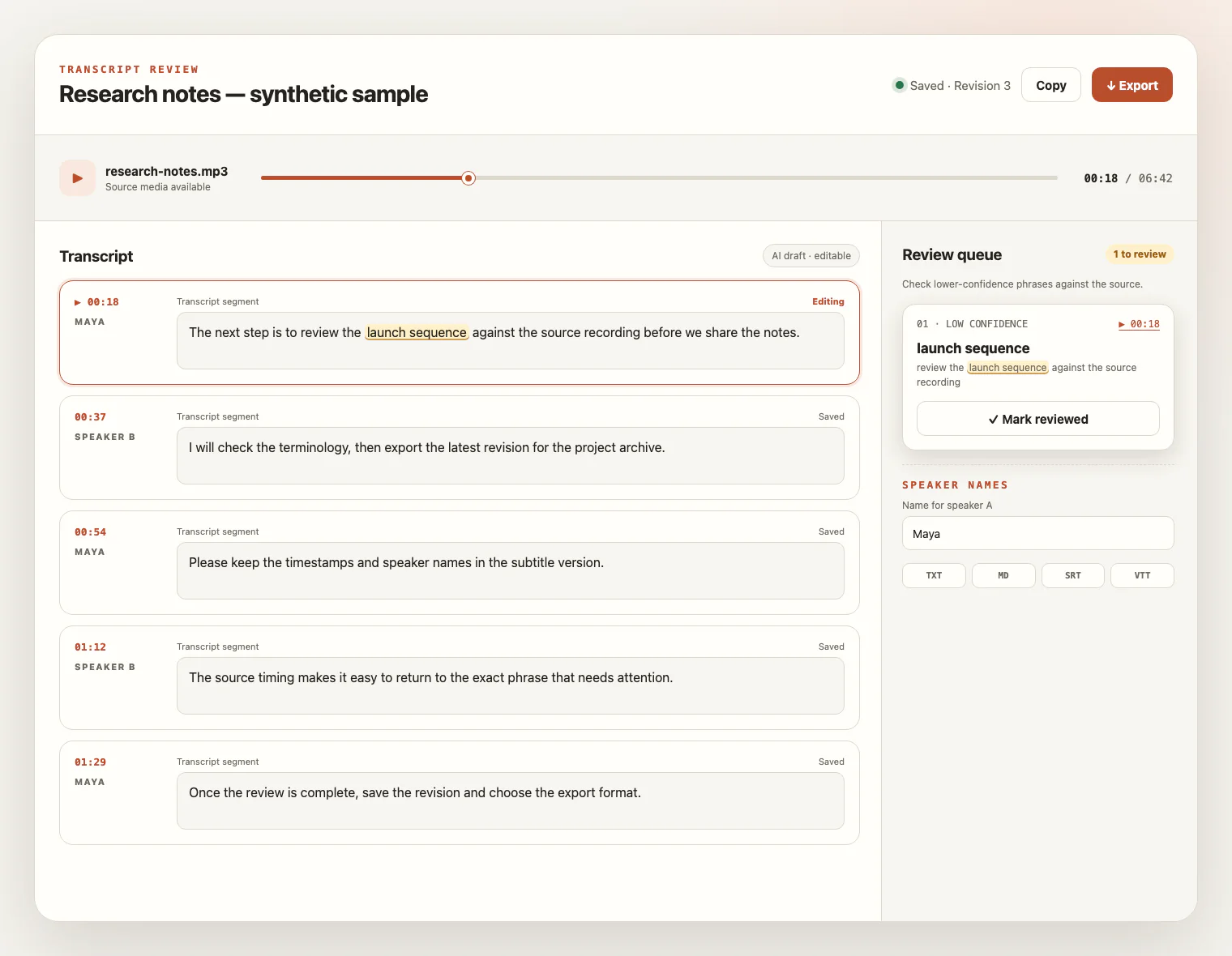
Check wording and speaker labels against the source, save your edits, and export TXT, Markdown, SRT, or VTT.
PREPARE THE RECORDING
A useful lecture transcript starts with the spoken audio captured in the recording. Clear voices, realistic speaker settings, course context, and careful source review matter more than the classroom, subject, or video resolution.
Use a microphone near the lecturer when possible and confirm the recorded voice is clear before uploading the file.
Distance, room echo, ventilation, movement, and low volume can hide words; the workflow does not clean or repair the recording.
Add the lecturer, course title, abbreviations, names, formulas spoken aloud, and specialist vocabulary as context or key terms, then verify them in the draft.
Enable speaker labels when they help, but expect overlapping or distant student questions to need manual wording and speaker corrections.
LISTEN, CHECK, REVISE
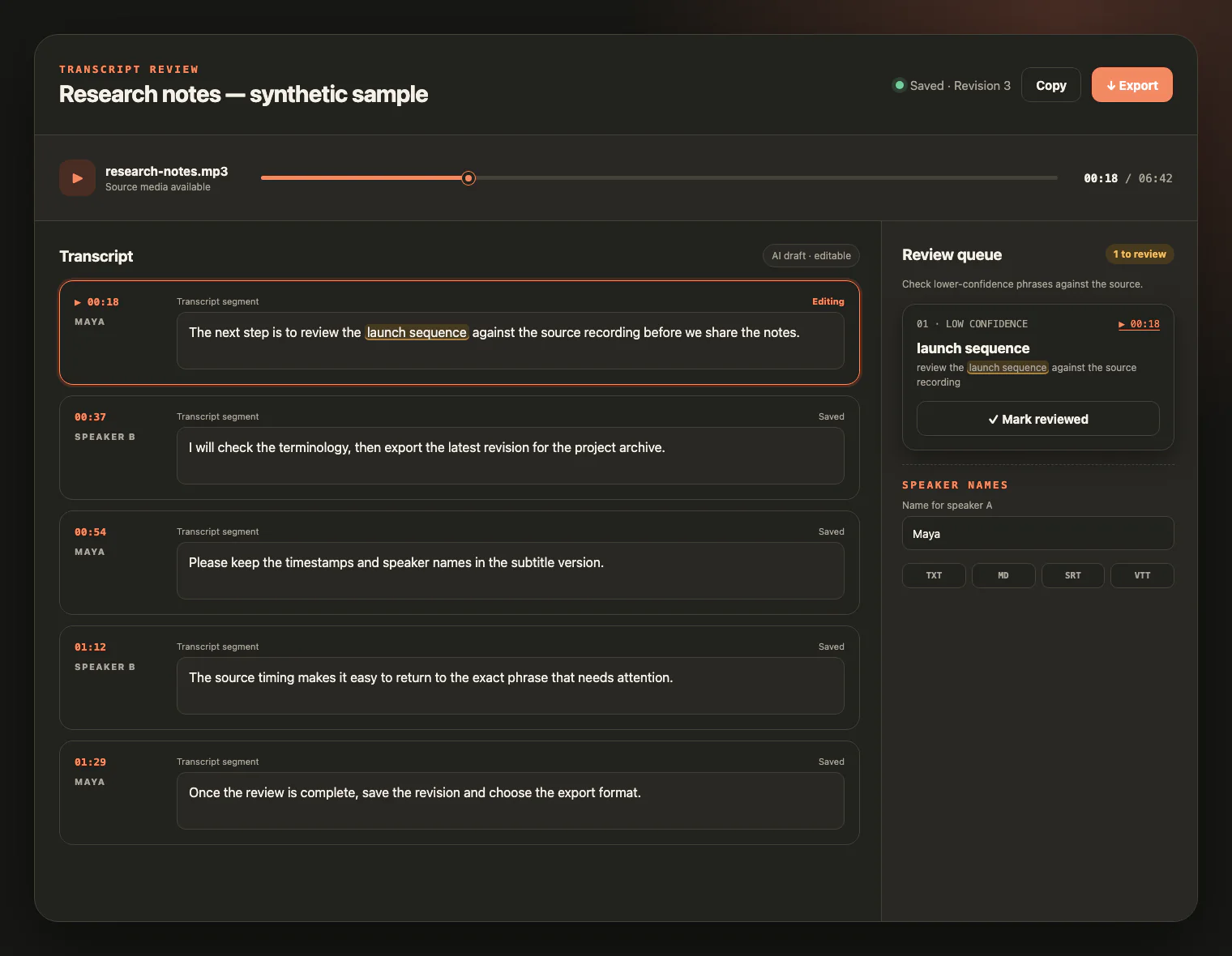
Keep the lecture source beside the draft. Replay uncertain wording, follow timestamps, verify course terms and speaker changes, rename labels, and save corrections before export.
FROM RECORDED TEACHING TO WORKING TEXT
A reviewed lecture transcript makes recorded teaching easier to search, edit, quote, document, and caption without inventing notes or study materials.
Create searchable working text from authorized recorded teaching while keeping interpretation and study with the learner.
Review specialist names, technical terms, and audience questions against the source before quoting or sharing the transcript.
Turn spoken instruction into editable text or timed transcript cues without claiming to read slides or generate a course.
Use a reviewed transcript as source material for an accessibility workflow you manage, with wording and speaker labels checked against the recording.
LECTURE TRANSCRIPTION FAQ
Practical answers about recorded lectures, course terms, speakers, classroom audio, credits, source review, exports, and retention.
Upload one local audio or video file in any format accepted by the shared transcription workspace. The file must be non-empty, within 5 GB, and pass the existing type and duration checks.
No. This page works with a recorded lecture you upload. It does not record or transcribe a live class, request microphone access, join a session, connect an LMS, or fetch a lecture URL.
Choose the spoken language or use automatic detection. If the lecturer takes student questions, optional speaker labels can help organize the draft, but you must review and rename them because they do not verify anyone's identity.
Yes. Add the course name, lecturer, abbreviations, specialist vocabulary, and other key terms as context before processing. These hints can help recognition but do not guarantee every term is correct.
Microphone distance, classroom echo, background noise, low volume, and overlapping student questions can increase wording and speaker-label errors. Use the clearest source available and review uncertain parts.
Create an account to start. New accounts receive 10 signup credits with no credit card required, and one credit covers one minute of transcription.
No. The workflow uses spoken audio from the media's audio track. It does not read slides, boards, or on-screen text, and it does not extract embedded or burned-in captions.
Export TXT or Markdown for editable text, or SRT and VTT for timed transcript cues. The workflow does not generate summaries, lecture notes, study guides, or flashcards, and it does not translate the lecture.
The source media remains available for review for up to seven days from task creation and can be deleted sooner. Saved transcript text remains available for review and export.
YOUR LECTURE, READY TO REVIEW
Upload a recorded lecture, review course terms and uncertain phrases beside the source, then export the transcript format you need.