Audio + video
Shared upload
Choose one supported local file
Upload an existing customer call recording, identify voices, and turn the conversation into editable text. Review names, numbers, product terms, and key commitments against the source before you export.
Create an account when you start · 10 signup credits · No credit card required
START WITH THE RECORDING
Choose an audio or video file you are authorized to process. Set the spoken language, speaker detection, context, key terms, and transcript style before processing.
Audio + video
Choose one supported local file
99
Select one or use auto detect
Speaker labels
Verify and rename labels after processing
4
TXT, Markdown, SRT, and VTT
FROM RECORDING TO REVIEWABLE TEXT
Use one workspace to prepare an authorized local recording, configure the conversation, run transcription, and verify the saved result.
Select one supported audio or video file from your device, up to 5 GB. This page does not record calls or fetch them from another service.
Choose the spoken language, set speaker detection, and add known customer, company, product, acronym, or industry terms as context.
Sign in, confirm the estimated credits, and let the existing background workflow process the recording.
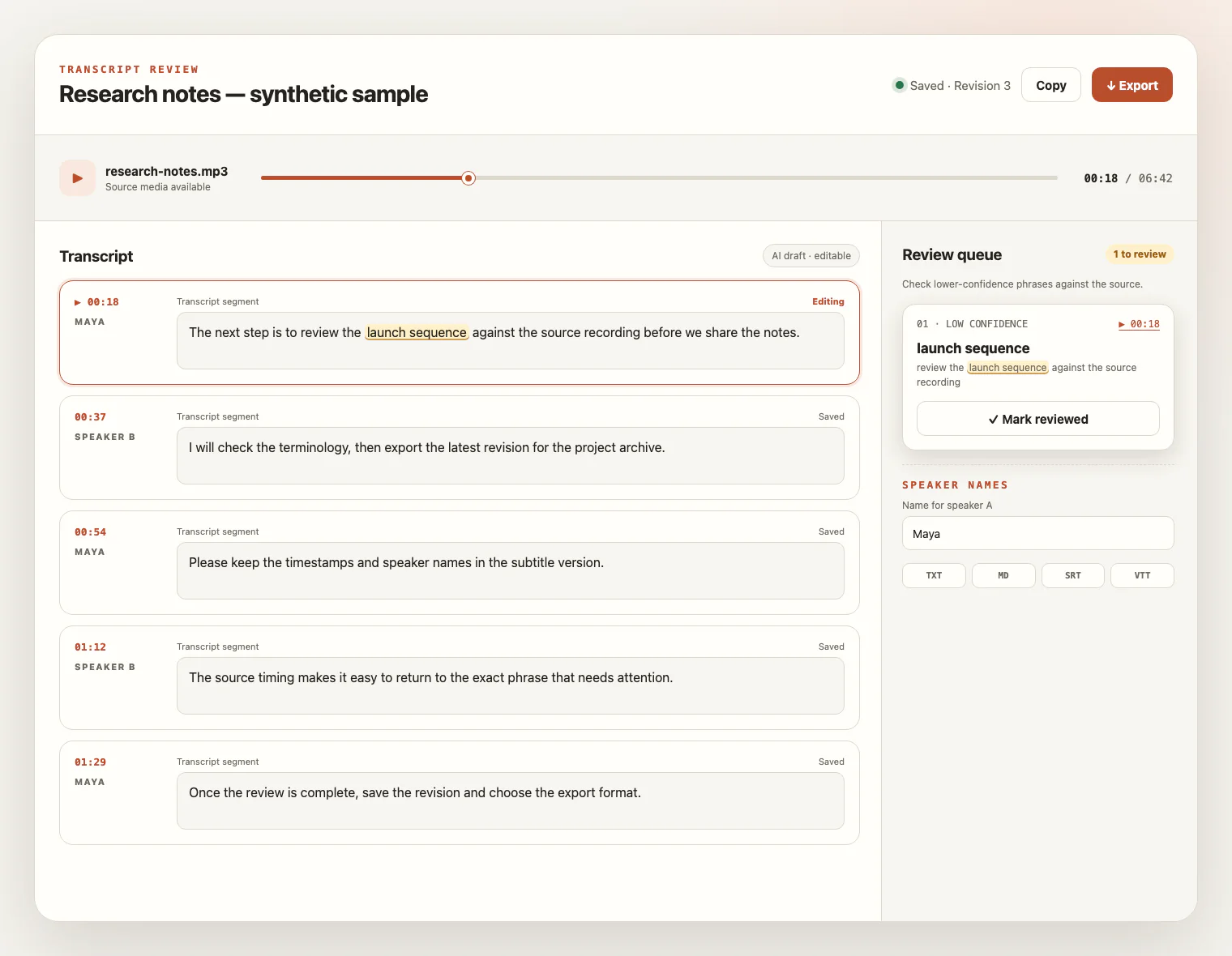
Compare the draft with the source, rename speakers, save corrections, and export TXT, Markdown, SRT, or VTT.
HEAR THE CALL AS IT WAS RECORDED
Telephone compression and real conversations leave evidence gaps. Use the settings you know, then verify the wording that matters instead of relying on a fixed accuracy claim.
Play the recording first. Weak signals, narrowband compression, speakerphone echo, low volume, and background noise can hide short words or numbers.
Enable speaker detection and provide an expected count when useful. The result separates voice patterns, not verified agent and customer identities.
Use context and key terms for customer names, companies, products, plans, acronyms, and industry language whose spelling you already know.
Crosstalk and fast interruptions can blur speaker boundaries. Use timestamps and source playback to check the segment and rename speakers.
LISTEN, CHECK, REVISE
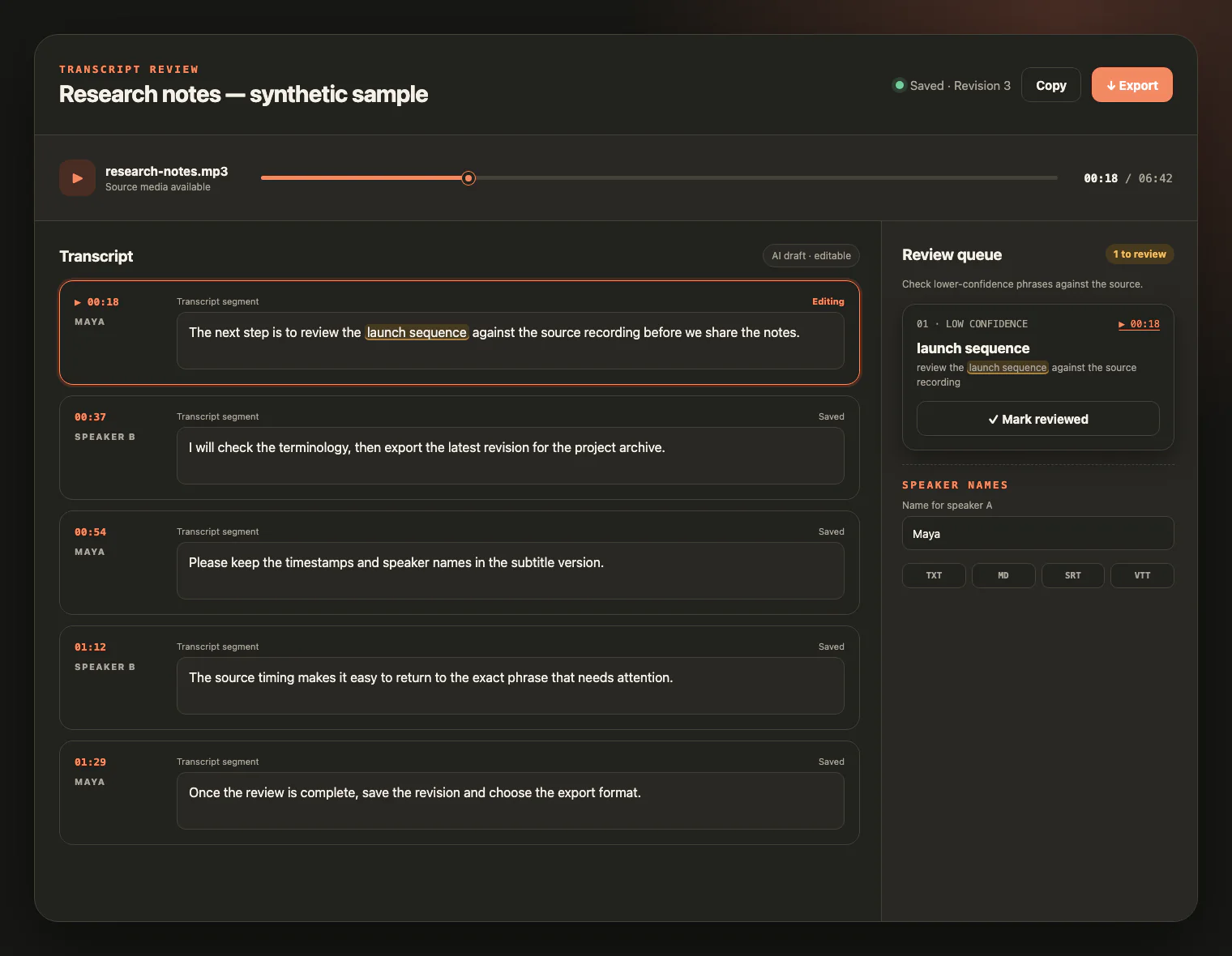
Keep the source call beside the draft. Jump to timestamps, inspect uncertain phrases, rename speakers, and correct names, dates, prices, product terms, and commitments before export.
FROM CONVERSATION TO WORKING RECORD
Use the checked transcript as a searchable, editable reference for human work. It does not update systems, score people, or decide what happened for you.
Review exact wording around needs, products, pricing, dates, and commitments before preparing your own notes or follow-up.
Create a searchable record of reported issues and troubleshooting language while checking technical details against the call.
Revisit adoption questions, risks, and agreed next steps without claiming automatic churn detection or account updates.
Organize interview-style customer conversations for manual quotation, coding, and synthesis while preserving the source for verification.
AUTHORIZED RECORDINGS, DELIBERATE REVIEW
Customer conversations can contain personal, account, payment, health, or other sensitive information. Transcription makes the recording searchable; it does not decide whether processing is lawful or make the result safe to share.
CUSTOMER CALL FAQ
Practical answers about local recordings, speakers, call quality, review, privacy, credits, retention, and export.
Yes. Choose one supported audio or video file from your device, up to 5 GB. The page uses the same shared file validation as the main transcription workspace.
No. This page does not connect to Zoom Phone, Aircall, Dialpad, RingCentral, Salesforce, HubSpot, Zendesk, or remote URLs. Export a recording you are authorized to process, then select the local file.
Choose the spoken language, enable speaker detection when useful, and add known customer names, company names, products, acronyms, and industry terms as context or key terms. These settings help recognition but do not guarantee every spelling.
No. Speaker detection separates voice patterns; it does not automatically identify real roles. Review the result, rename speaker labels, and correct boundaries where people overlap or interrupt.
Narrowband compression, weak signals, crosstalk, speakerphone echo, low volume, background noise, accents, and overlapping speech can cause omissions or misheard words. Check important wording against the source.
No. It creates a transcript for human review. You can manually check names, numbers, dates, prices, product terms, and commitments, but the service does not extract or verify business outcomes.
Only upload recordings you are authorized to process. Follow applicable law, contracts, and organizational policy for recording notice, consent, access, and sensitive information. The product does not make a legal determination or automatically redact sensitive data.
New accounts receive 10 signup credits with no credit card required, and one credit covers one minute of transcription. Export the saved revision as TXT, Markdown, SRT, or VTT.
Source media remains available for review for up to seven days from task creation and can be deleted sooner. Saved transcript text remains available under the existing product controls.
ONE CALL, READY TO REVIEW
Upload an authorized recording, check the transcript against the source, and export the revision your team can use.