MP3
Direct upload
No WAV conversion needed
Upload an MP3 directly and turn spoken audio into an editable transcript. Choose the language or use auto detect, then review uncertain phrases against the source audio.
Create an account when you start · 10 signup credits · No credit card required
START WITH THE FILE
Choose an MP3 below. You can set the language, speaker recognition, key terms, and transcript style before processing.
MP3
No WAV conversion needed
99
Choose one or use auto detect
5 GB
Upload one file at a time
4
TXT, Markdown, SRT, and VTT
FOUR-STEP WORKFLOW
The same workspace carries the file from upload to an editable, downloadable transcript.
Choose one MP3 file up to 5 GB. No WAV conversion is required.
Select a language or auto detect, then add speaker recognition or key terms if useful.
Sign in, confirm the estimated credits, and let processing continue in the background.
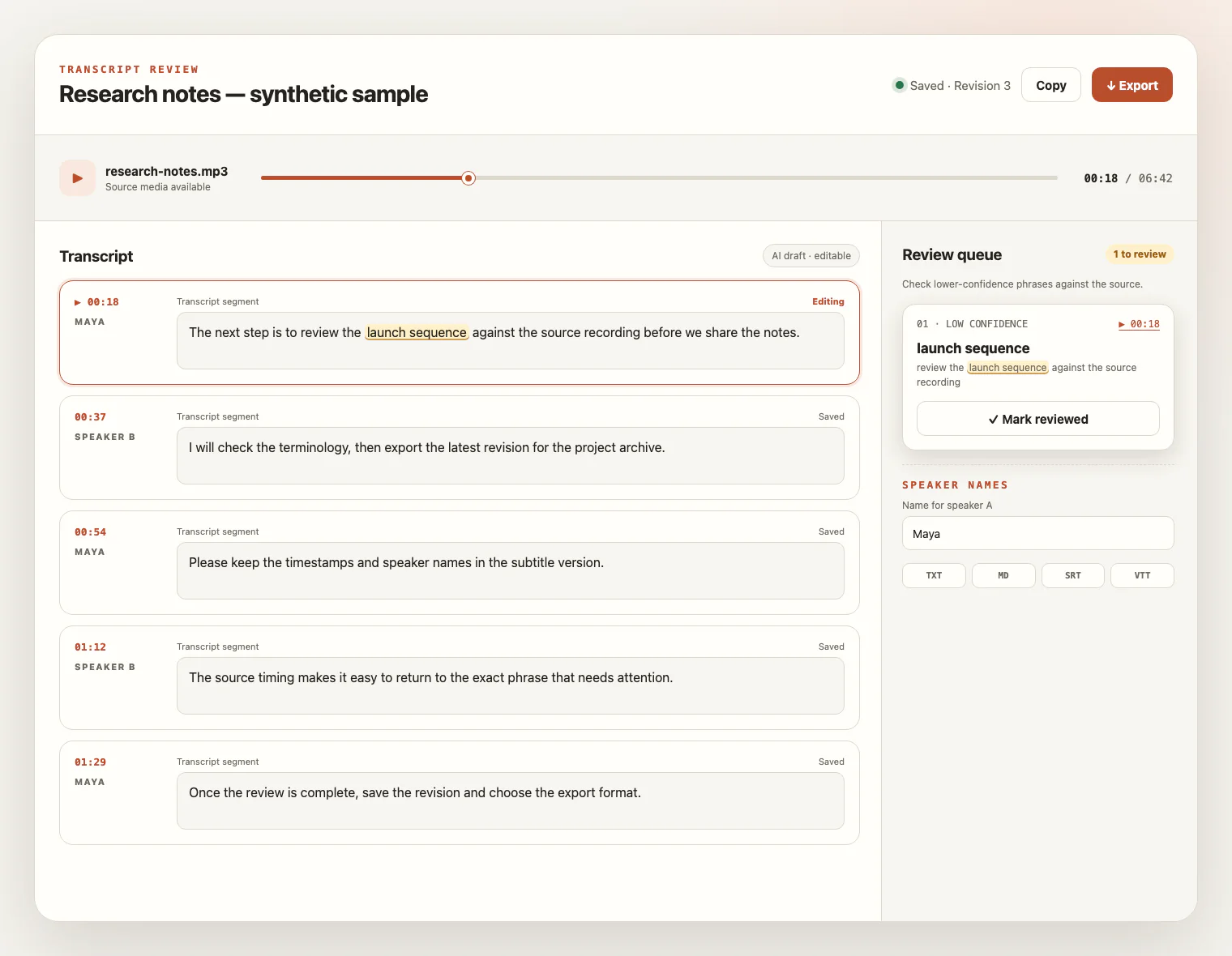
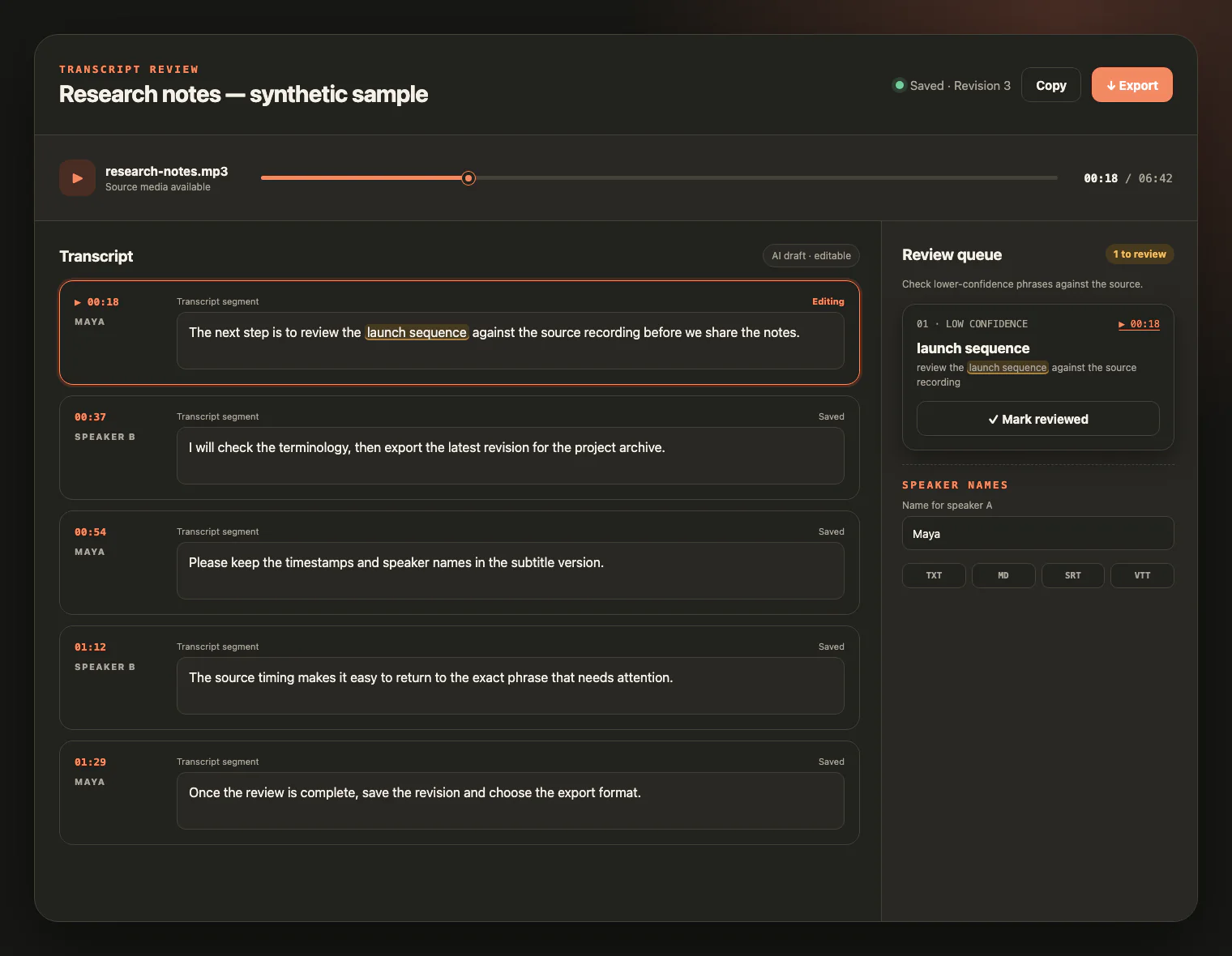
Check the draft against the audio, edit the text, and export TXT, Markdown, SRT, or VTT.
LISTEN, CHECK, EDIT
The first draft is the start of the job. Play the source audio beside the text, inspect low-confidence wording, and leave with a transcript that is ready to use.
INPUT QUALITY
A cleaner recording gives the transcription engine better evidence. Background noise, clipping or distortion, accents, overlapping speech, and specialist terms can all affect the draft.
Use the cleanest recording available and keep speakers close enough to the microphone.
When people speak one at a time, words and speaker changes are easier to distinguish.
Choose the spoken language when you know it, or leave automatic detection on.
Add important names or specialist terms as key terms, then verify them in the finished transcript.
FROM AUDIO TO ASSET
An MP3 transcript makes recorded speech easier to search, edit, cite, caption, and repurpose.
Create an editable source for show notes, articles, research, and episode archives.
Turn recorded discussions into searchable notes with speakers you can rename.
Build a written reference from classes, webinars, training, and study recordings.
Move ideas, observations, and field recordings into text you can organize and quote.
MP3 TRANSCRIPTION FAQ
Practical details about uploads, credits, review, exports, and source-file access.
Yes. MP3 is accepted directly, so you do not need to convert it to WAV first.
You create an account to start. New accounts receive 10 signup credits with no credit card required; one credit covers one minute of transcription.
The per-file upload limit is 5 GB. Upload one audio or video file at a time.
The service supports 99 languages. You can choose the spoken language or use automatic language detection.
Speaker recognition is available in the transcription settings. After processing, you can rename speaker labels while reviewing the transcript.
Results depend on the recording. Clear speech, low background noise, and limited overlap help. Use the review workspace to check uncertain phrases against the source audio.
You can export TXT, Markdown, SRT, or VTT after the transcript is ready.
The source media remains available for review for up to seven days from task creation. Download any files you want to keep before that window ends.
READY WHEN YOU ARE
Upload your MP3, review the transcript beside the source audio, and export the version you need.