FLAC
Direct upload
No MP3 or WAV conversion needed
Upload FLAC audio directly and turn spoken words into editable text. Keep the lossless source available for review while you check uncertain phrases and speaker labels.
Create an account when you start · 10 signup credits · No credit card required
START WITH THE LOSSLESS SOURCE
Choose a FLAC recording below. Set the spoken language, speaker recognition, context, key terms, and transcript style before processing.
FLAC
No MP3 or WAV conversion needed
99
Choose one or use auto detect
5 GB
Check larger lossless files before upload
4
TXT, Markdown, SRT, and VTT
FOUR-STEP WORKFLOW
Use one workspace from direct FLAC upload to source-backed review and export.
Choose one playable FLAC file up to 5 GB. No MP3 or WAV conversion is required.
Select a language or auto detect, then add speaker recognition, context, or key terms if useful.
Sign in, confirm the estimated credits, and let processing continue in the background.
Check the draft against the lossless source, edit the text, and export TXT, Markdown, SRT, or VTT.
COMPARE WITH THE SOURCE
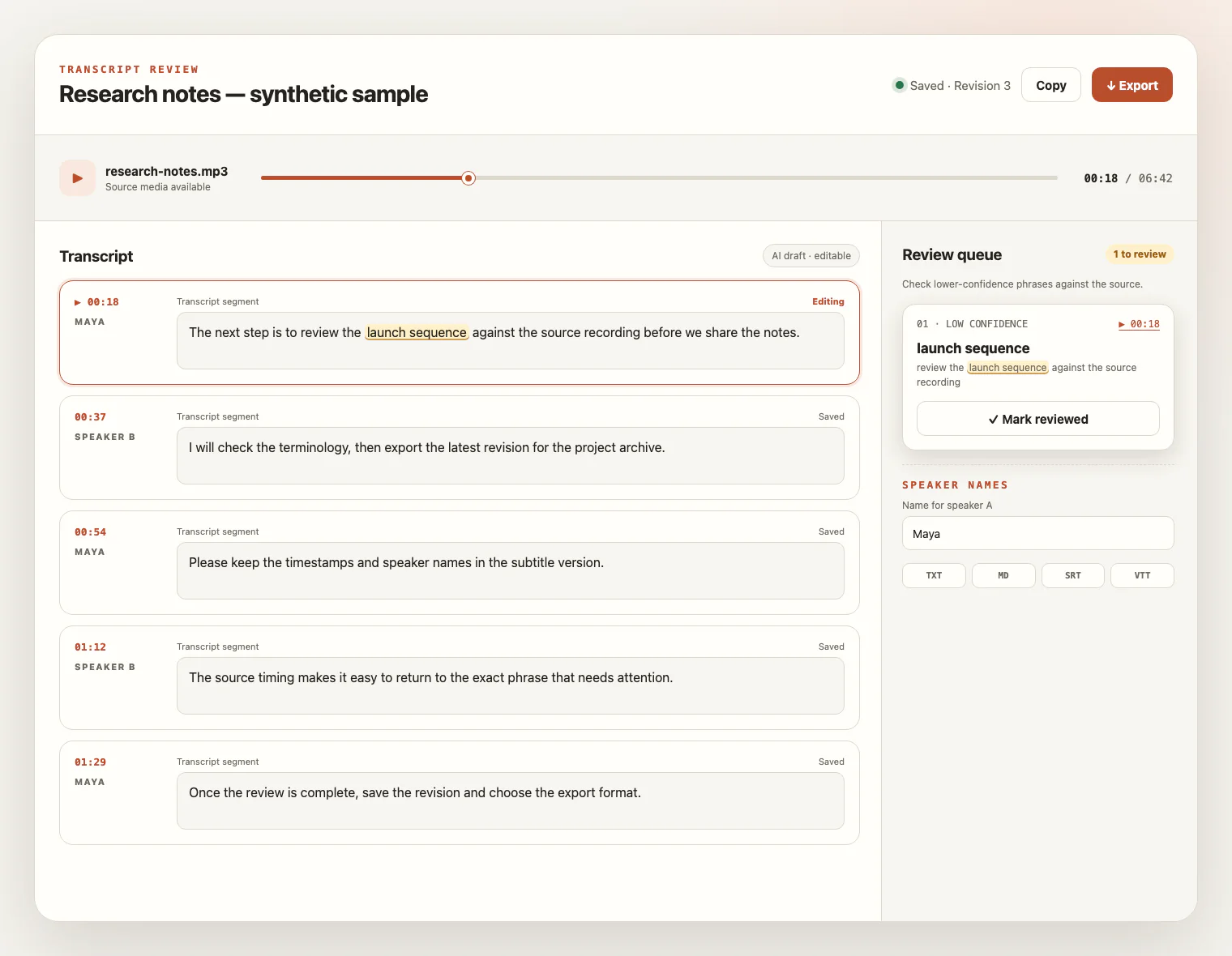
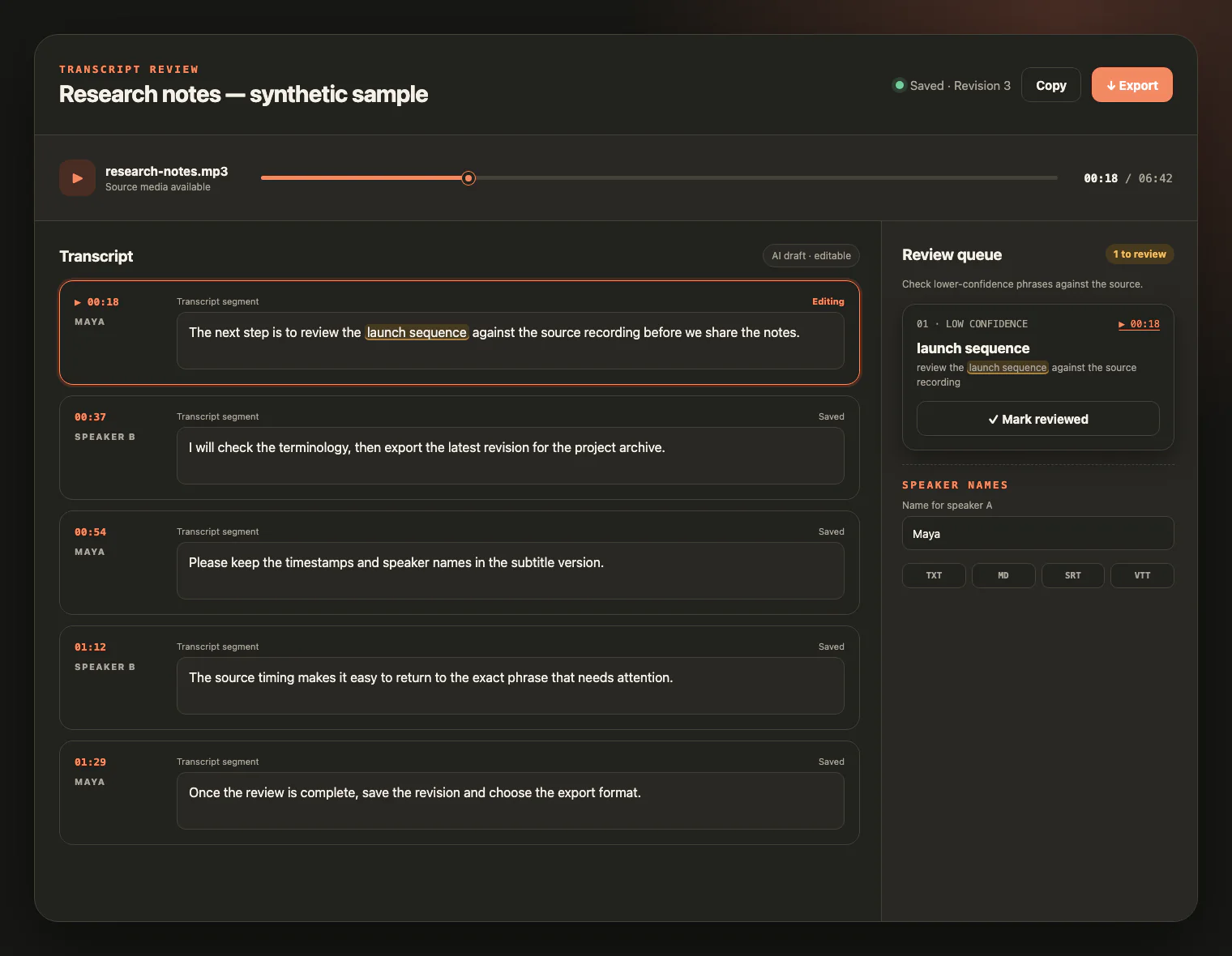
Keep the FLAC source beside the draft. Replay uncertain wording, check low-confidence phrases, rename speakers, and save the corrections before export.
LOSSLESS DOES NOT MEAN ERROR-FREE
Lossless compression preserves the signal it receives; it does not repair the recording. Start with the clearest source, check its size and properties, then review the draft against the audio.
FLAC keeps the information present at encoding time, but it cannot undo clipping, noise, overlap, or detail lost in an earlier source.
Check the file against the 5 GB limit. A lossless copy may be larger than the MP3 or AAC version of the same recording.
Clear speech, sensible microphone placement, and less overlap matter more than simply raising sample rate or bit depth.
Choose the spoken language, add important names as key terms, and use speaker recognition when labels help; channels and speakers are not interchangeable.
PRESERVE THE RECORDING, USE THE WORDS
FLAC is often kept when the original signal matters. The transcript adds a searchable, editable layer without pretending to improve the audio.
Turn lossless preservation copies into searchable text while keeping the recording available for comparison.
Review quotations against a recorder export and rename speaker labels for a readable conversation.
Create working text or timed captions from voice-over, podcast, or production masters without claiming audio restoration.
Make long recordings easier to search, revise, and export while preserving the source context.
FLAC TRANSCRIPTION FAQ
Clear answers about lossless audio, file properties, credits, review, exports, and source-file access.
Yes. FLAC is accepted directly, so you do not need to convert the recording to MP3 or WAV first.
No format guarantees accuracy. Lossless compression preserves the audio information already in the source, but it cannot repair clipping, background noise, distant voices, or overlapping speech.
No. Saving a lossy or damaged source as FLAC does not recreate information that was already removed. Use the clearest original recording you have.
They describe the source recording, but higher numbers do not automatically produce a better transcript. The service does not promise resampling, bit-depth conversion, channel splitting, or one speaker label per channel.
The per-file upload limit is 5 GB. FLAC files can be larger than common lossy versions, so check the size before uploading one file at a time.
You create an account to start. New accounts receive 10 signup credits with no credit card required; one credit covers one minute of transcription.
The service supports 99 languages. Choose the spoken language or use automatic detection, and enable speaker recognition when separate speaker labels would help. Speaker labels are not the same as audio channels.
You can export TXT, Markdown, SRT, or VTT after the transcript is ready.
The source media remains available for review for up to seven days from task creation. You can delete it sooner; saved text remains available for review and export.
KEEP THE SOURCE, SHAPE THE TEXT
Upload a FLAC recording, review the draft beside the lossless source, and export text or captions you can keep refining.