MP4
Direct upload
No manual audio extraction needed
Upload an MP4 directly and turn its spoken audio into editable text. Review uncertain phrases against the source video, then export text or timed captions.
Create an account when you start · 10 signup credits · No credit card required
START WITH THE VIDEO
Choose a playable MP4 below. Set the spoken language, speaker recognition, context, key terms, and transcript style before processing.
MP4
No manual audio extraction needed
99
Choose one or use auto detect
5 GB
Upload one playable video at a time
4
TXT, Markdown, SRT, and VTT
FOUR-STEP WORKFLOW
Use one workspace from direct MP4 upload to source-video review and export.
Choose one playable MP4 up to 5 GB. You do not need to extract the audio first.
Select a spoken language or auto detect, then add speaker recognition, context, or key terms if useful.
Sign in, confirm the estimated credits, and let processing continue in the background.
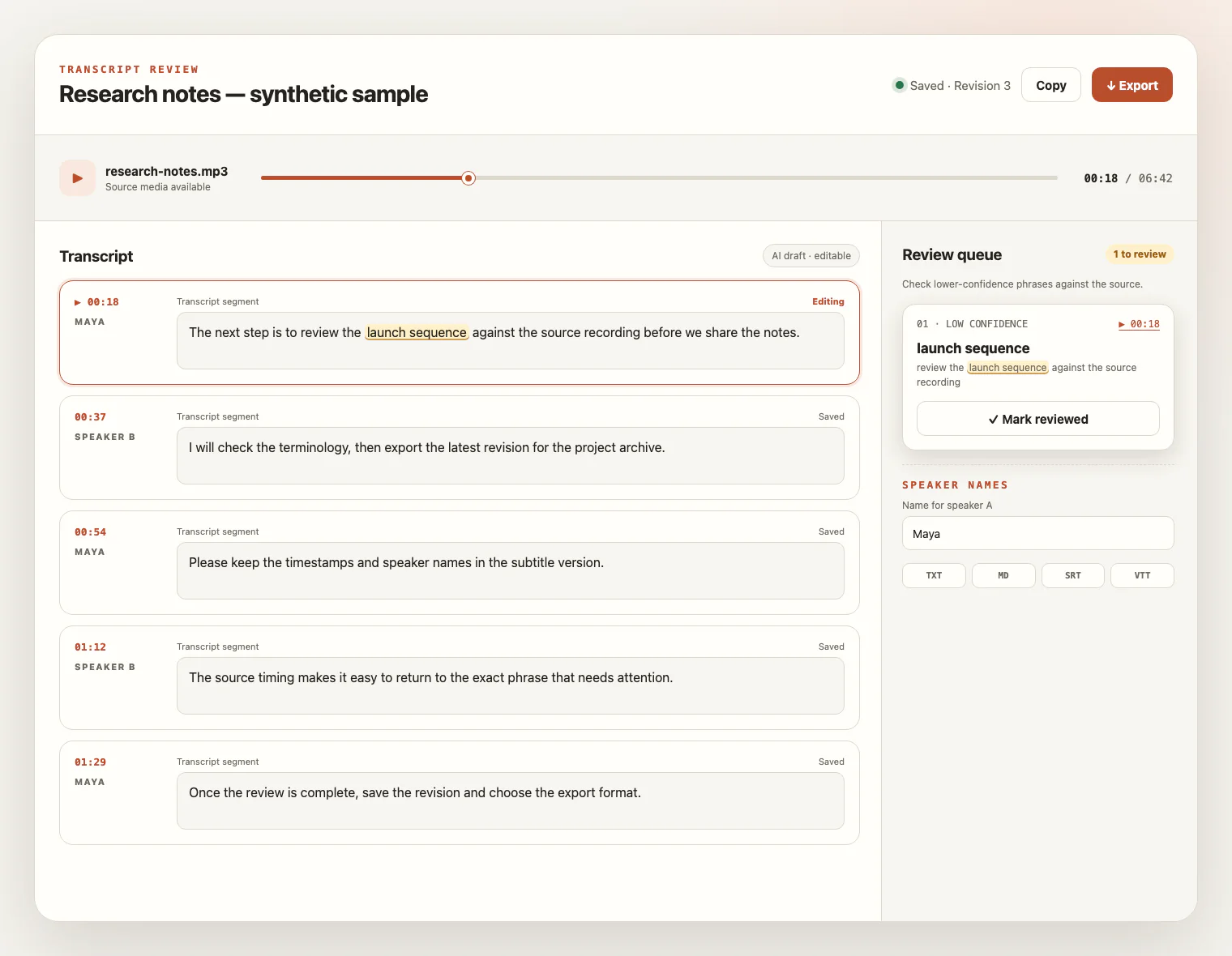
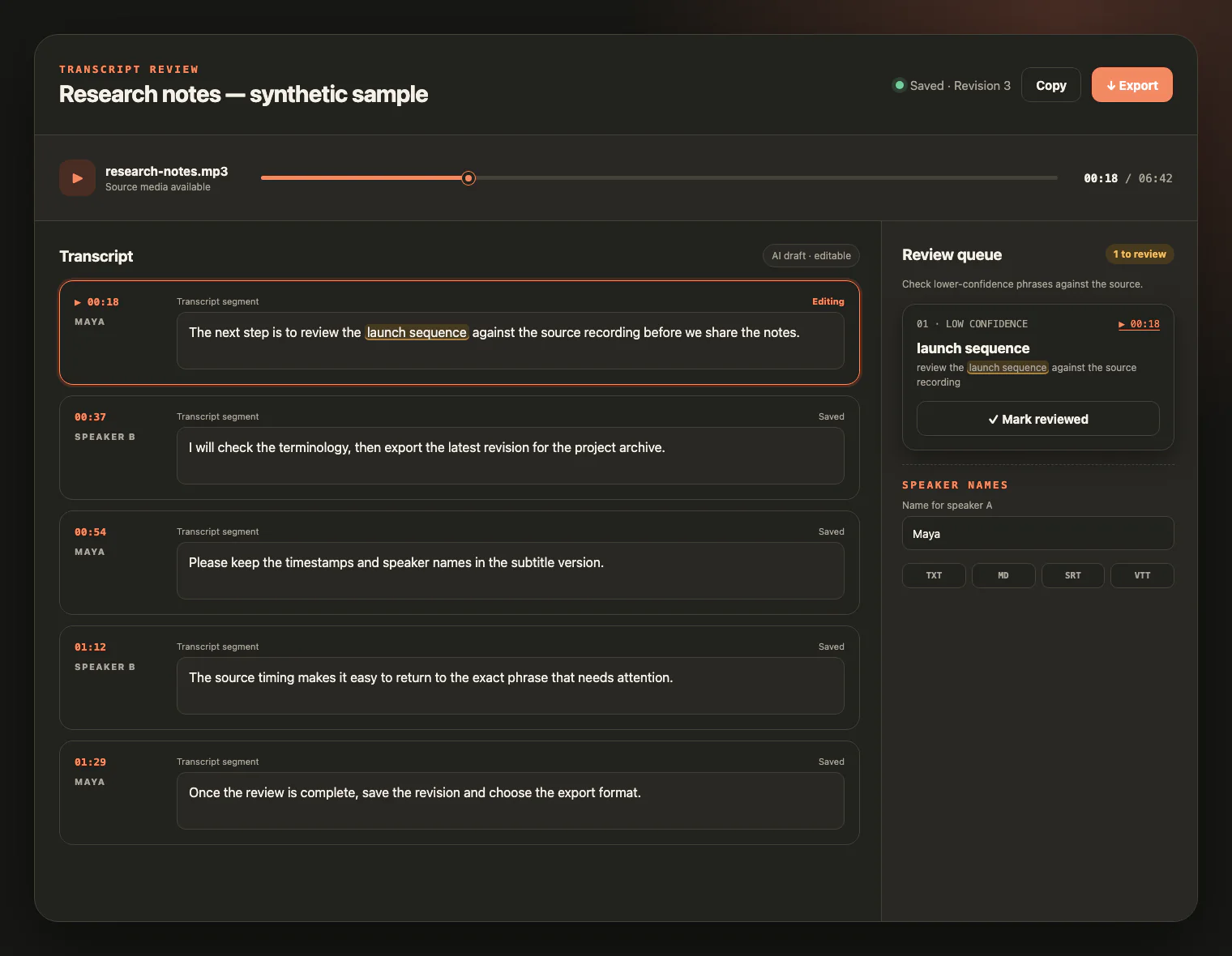
Check the draft against the video, edit the text, and export TXT, Markdown, SRT, or VTT.
WATCH, LISTEN, CHECK
Keep the MP4 source beside the draft. Replay uncertain wording, follow timestamps, rename speakers, and save corrections before export.
CONTAINER, AUDIO TRACK, SPEECH
MP4 identifies a media container, not a guaranteed codec or transcript quality. The workflow listens to the audio track rather than reading video frames, so clear speech matters more than resolution or frame rate.
Play the video first and confirm the voices are audible. Silent scenes, slides, and on-screen text do not become transcript content.
MP4 can contain different video and audio codecs. A matching extension and media type still need playable, readable media.
Voice level, microphone distance, background music, noise, and overlapping speakers matter more than video resolution.
Keep the file within 5 GB. Higher resolution can make an MP4 larger without adding useful evidence for speech transcription.
FROM VIDEO TO WORKING TEXT
An MP4 transcript makes spoken video easier to search, edit, quote, document, and caption without claiming to analyze the picture.
Turn narrated walkthroughs and product demonstrations into searchable text while reviewing details against the video.
Create an editable transcript with speaker labels you can verify and rename.
Build notes or timed captions from spoken lessons, webinars, and recorded training.
Reuse the words that were spoken while keeping visual-only slide text outside the transcript unless you add it yourself.
MP4 TRANSCRIPTION FAQ
Practical answers about MP4 audio tracks, containers, visual-only content, credits, exports, and source-video access.
Yes. A playable MP4 with a supported video/mp4 identity can be uploaded directly, so you do not need to extract its audio first.
No. The workflow transcribes spoken audio. Slides, screen text, charts, handwriting, silent scenes, and burned-in captions are not read with OCR or visual analysis.
No. MP4 is a media container, and the extension alone does not guarantee a particular video or audio codec. The file must be playable and pass type, size, and duration validation.
A video without clear speech may produce little text or no usable transcript. Visual content is not used to fill in speech that is not present in the audio track.
The per-file upload limit is 5 GB. Upload one playable video at a time, and remember that higher resolution can increase file size without improving speech recognition.
The service supports 99 languages. New accounts receive 10 signup credits with no credit card required, and one credit covers one minute of transcription.
Yes. During the source-media retention window, play the video beside the transcript, inspect uncertain phrases, rename speakers, and save your edits.
Export TXT or Markdown for editable text, or SRT and VTT for transcript timing. These exports do not extract embedded captions, generate a summary, or translate the video.
The source video remains available for review for up to seven days from task creation and can be deleted sooner. Saved text remains available for review and export.
YOUR VIDEO, READY TO READ
Upload an MP4, review the transcript beside the source video, and export editable text or timed captions.